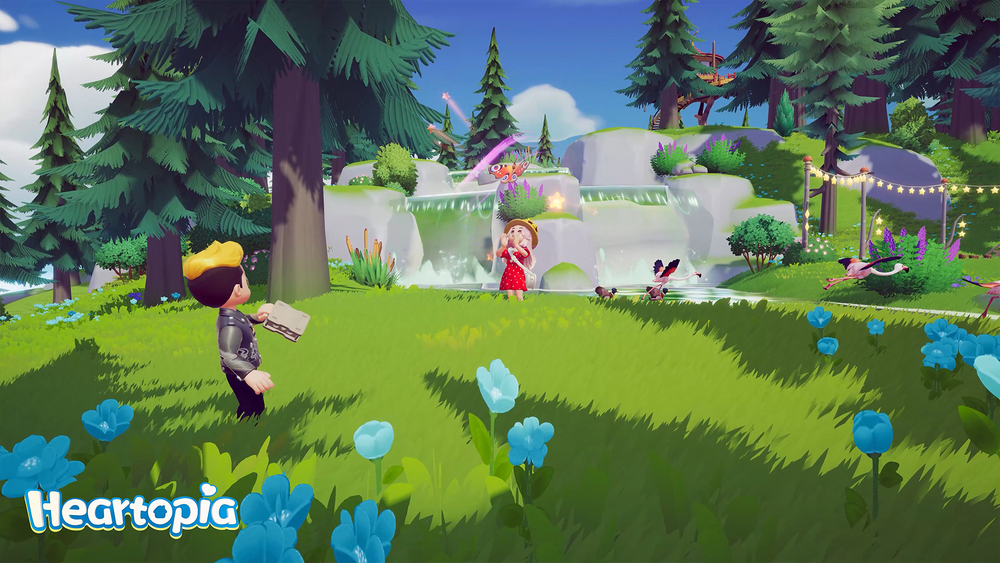
v1.0.7


Multiple Ratios
Supports 16:9, 4:3, 1:1, 3:4, 9:16 and more
Game Colors
Uses only in-game native colors for perfect results
Painting Tools
Grid display and eyedropper for easy reference
100% Private
All processing done locally, no uploads
📖 How to Use
- Upload your image - Click to select or drag & drop
- Choose aspect ratio - Select the canvas size you want
- Adjust detail level - Pick from 4 precision levels
- Use painting tools - Toggle grid and use eyedropper
- Paint in-game - Follow the pixel art in Heartopia!
💡 Tip: Use desktop for the best experience. All image processing happens in your browser - your images never leave your device!
❤️ Tool Credits
This amazing tool was created by @zerochansy, a talented designer and game developer. We're grateful to share this tool with our community!